Highlights
• Subtitles increase TikTok watch time by up to 80% in 2026. • Automatic captioning tools are 10x faster than manual typing. • Professional tiktok captions ensure safe zone compliance and better aesthetic control. • Modern AI transcription now reaches 99% accuracy across multiple languages.
Table of Contents
- Introduction
- Why You Need Subtitles on TikTok in 2026
- Method 1: Using TikTok's Native Auto-Captions
- Method 2: Using Professional TikTok Captions Tools
- The Step-by-Step Guide to Automatic Subtitles
- Design Best Practices: Safe Zones and Styling
- Comparison Table: Native vs. Third-Party Tools
- FAQs
- Conclusion
Introduction
In the fast-paced world of TikTok, capturing attention within the first three seconds is everything. As we navigate through 2026, the data is clearer than ever: viewers often watch videos with the sound off, whether they are in a public space, a quiet office, or just browsing late at night. If your video doesn't have subtitles, you're essentially invisible to a huge portion of your potential audience.
Learning how to add subtitles on TikTok automatically is no longer just a "nice-to-have" skill—it's a fundamental requirement for growth. Whether you are a solo creator or part of a marketing team, automating this process saves hours of tedious manual work, allowing you to focus on what matters most: your content. In this guide, we'll explore the most efficient ways to generate high-quality tiktok captions that look professional and drive results.
Why You Need Subtitles on TikTok in 2026
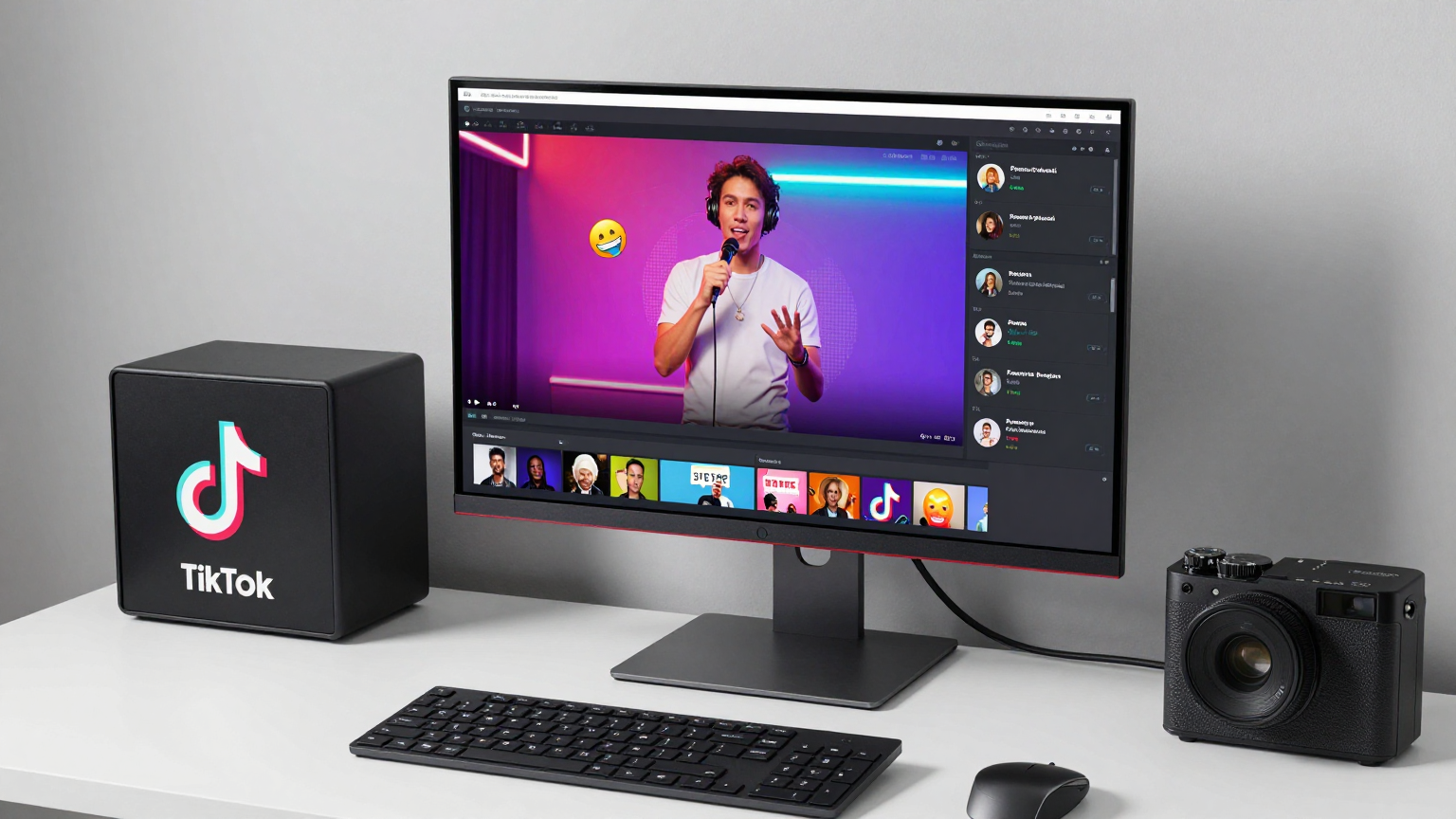
Subtitles serve two primary purposes: accessibility and retention. In 2026, the TikTok algorithm prioritizes "Completion Rate" more than any other metric. When you add subtitles, you're giving the viewer a reason to stay even if they can't hear you.
- Muted Viewing: Over 65% of mobile users browse social media with the sound off. Subtitles act as your secondary hook.
- Accessibility: Millions of users who are deaf or hard of hearing rely on captions to consume content. Being inclusive isn't just ethical; it expands your reach.
- Language Barriers: Subtitles allow non-native speakers to follow your story more easily, making your content globally accessible.
- SEO Optimization: Search engines and TikTok's internal search tool can index the text in your captions, helping you show up in relevant searches.
Method 1: Using TikTok's Native Auto-Captions
TikTok's built-in auto-caption feature has improved significantly over the last year. It’s free and accessible directly within the app.
How to use it:
- Upload or record your video.
- Tap the "Captions" button on the right-hand editing panel.
- Wait for the AI to transcribe your speech.
- Review and edit any errors (transcription is rarely 100% perfect).
- Save and publish.
The Downside: While convenient, the native tool has limited styling options. You are often restricted to basic fonts and positions that might clash with your brand or get cut off by the TikTok UI elements.
Method 2: Using Professional TikTok Captions Tools
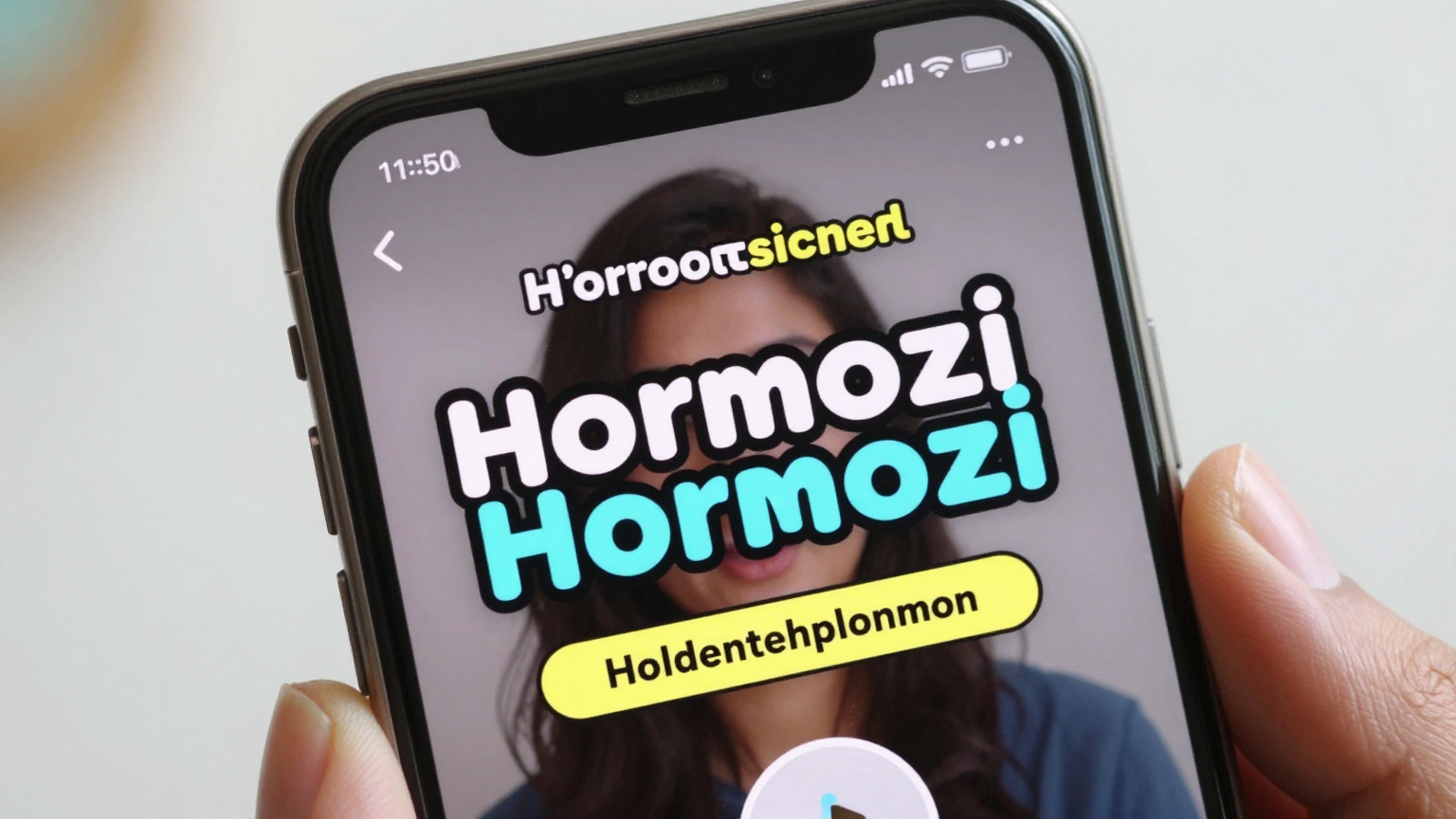
For creators who want that "Hormozi style" or vibrant, animated text that jumps off the screen, native tools often fall short. This is where professional tiktok captions tools come into play. These platforms use advanced AI to not only transcribe but also animate and style your subtitles automatically.
Professional tools offer:
- Bulk Processing: Caption multiple videos at once.
- Custom Branding: Save your favorite fonts, colors, and shadow styles.
- Smart Safe Zones: Automatically place text where it won't be covered by "likes" or "captions" buttons.
- Higher Accuracy: Better handling of accents and technical jargon.
The Step-by-Step Guide to Automatic Subtitles
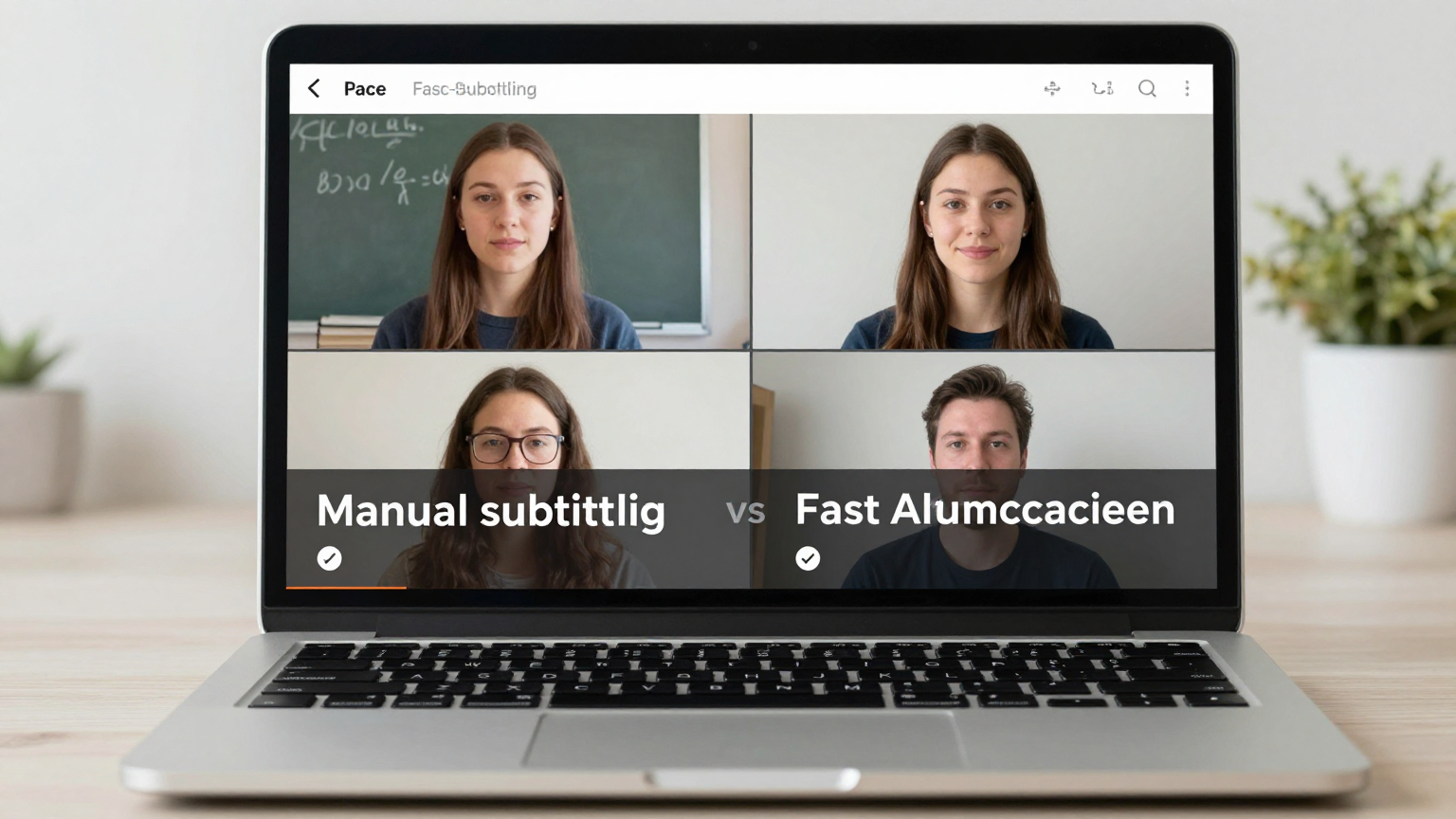
Ready to automate your workflow? Here is the most efficient process for adding subtitles in 2026 using a professional tiktok captions generator.
1. Upload Your Raw Video
Start by uploading your vertical (9:16) video to your chosen captioning platform. Ensure your audio is clear for the best transcription results.
2. Select Your Language and Preset
Most modern tools support over 50 languages. Choose your target language and select a "Preset." In 2026, bold, high-contrast styles are the trend. Look for presets that offer dynamic word highlighting.
3. Review the Transcription
AI transcription is incredibly fast—usually taking less than 30 seconds for a 1-minute video. Do a quick sweep to ensure names and brand terms are spelled correctly.
4. Customize and Export
Adjust the font size and position. Once you're happy, hit export. You'll receive a high-definition video ready for TikTok, Instagram Reels, or YouTube Shorts.
Design Best Practices: Safe Zones and Styling
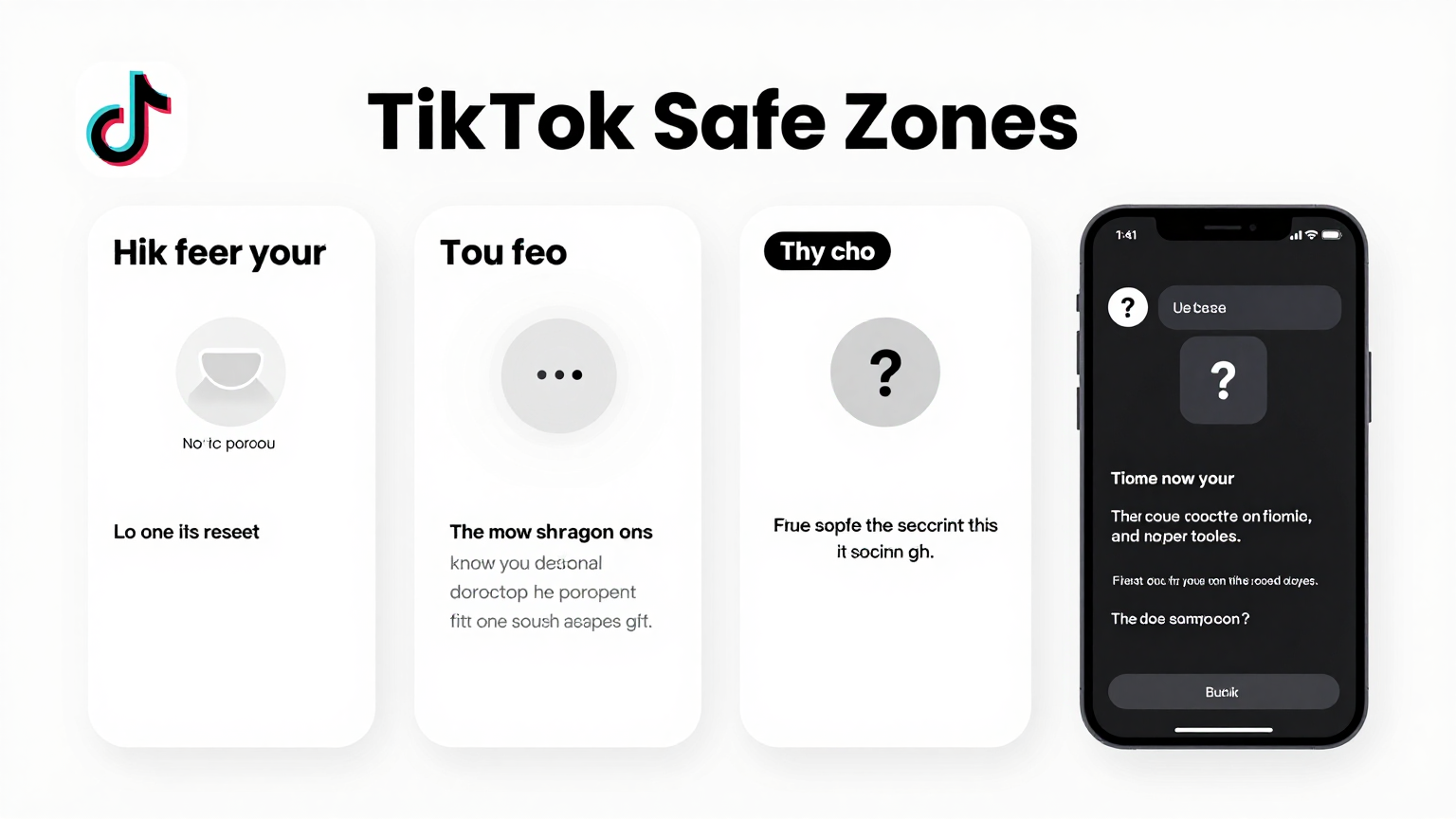
One of the biggest mistakes creators make is placing subtitles where they can't be read. TikTok has a very "crowded" UI with buttons on the right and text at the bottom.
- The Center Rule: Aim to place your main captions in the middle 60% of the screen.
- Safe Zones: Avoid the bottom 20% (where your username and caption appear) and the top 10% (where search bars live).
- Contrast is Key: Use a shadow or an outline (stroke) to ensure your text is readable against any background. Yellow on black or white on black are timeless choices.
- Font Size: Don't go too small. Your text should be readable on a small screen without the viewer squinting.
Comparison Table: Native vs. Third-Party Tools
| Feature | TikTok Native Tool | Professional tiktok captions Tools |
|---|---|---|
| Price | Free | Free Trial / Paid Subscription |
| Speed | Moderate | Fast (Bulk Support) |
| Accuracy | ~90% | ~98% - 99% |
| Styling | Limited | Unlimited / Custom |
| Safe Zones | Manual Adjustment | Automatic |
| Animations | Basic | Advanced / Dynamic |
FAQs
Can I add subtitles to TikTok for free?
Yes, you can use the native "Captions" tool inside the TikTok app for free. However, for more advanced styling and bulk processing, many creators use external tiktok captions tools which often offer a free trial.
How to add subtitles on TikTok automatically for long videos?
For videos longer than 60 seconds, native app tools can sometimes become laggy. It is recommended to use a web-based automatic captioning service that can handle larger file sizes and longer durations more efficiently.
What is the best font for TikTok subtitles?
In 2026, bold sans-serif fonts like "The Bold Font," "Montserrat," or "Montserrat" remain the top choice for readability. High-impact creators often use yellow text with a black stroke for maximum contrast.
Conclusion
Automating your subtitle process is the single best investment you can make in your TikTok growth strategy for 2026. By choosing the right tiktok captions tool and following safe zone best practices, you ensure that every viewer—regardless of their environment—can enjoy and engage with your content.
Don't let your hard work go unheard. Start adding automatic subtitles today and watch your retention metrics soar!
Call to Action
Ready to take your videos to the next level? Try our tiktok captions generator for free and see the difference professional, animated subtitles can make. Boost your views, increase retention, and grow your audience now!
Published by the TikTok Captions Editorial Team, March 2026.